

About Us
Welcome to my cinematography portfolio. I am passionate about crafting visually compelling stories through the art of moving images. My work encompasses a range of projects, from narrative films and commercials to documentaries and music videos. Explore my portfolio to see how I can bring your vision to life.




Gallery
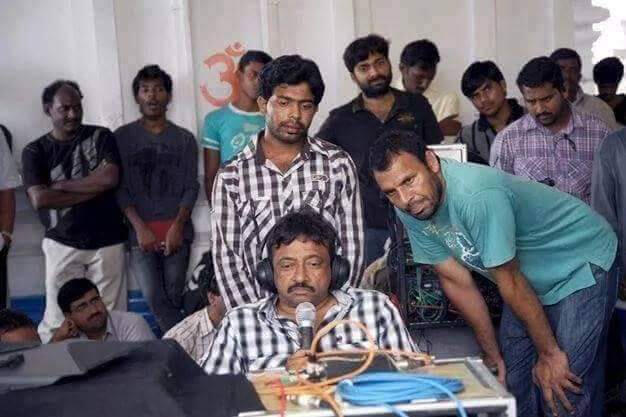
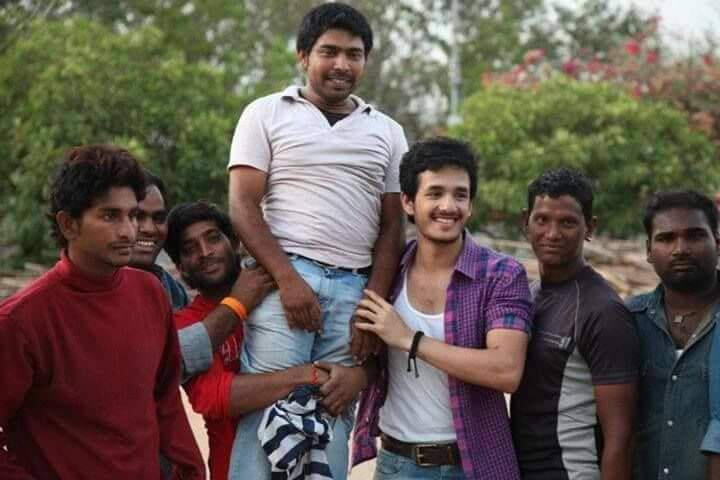
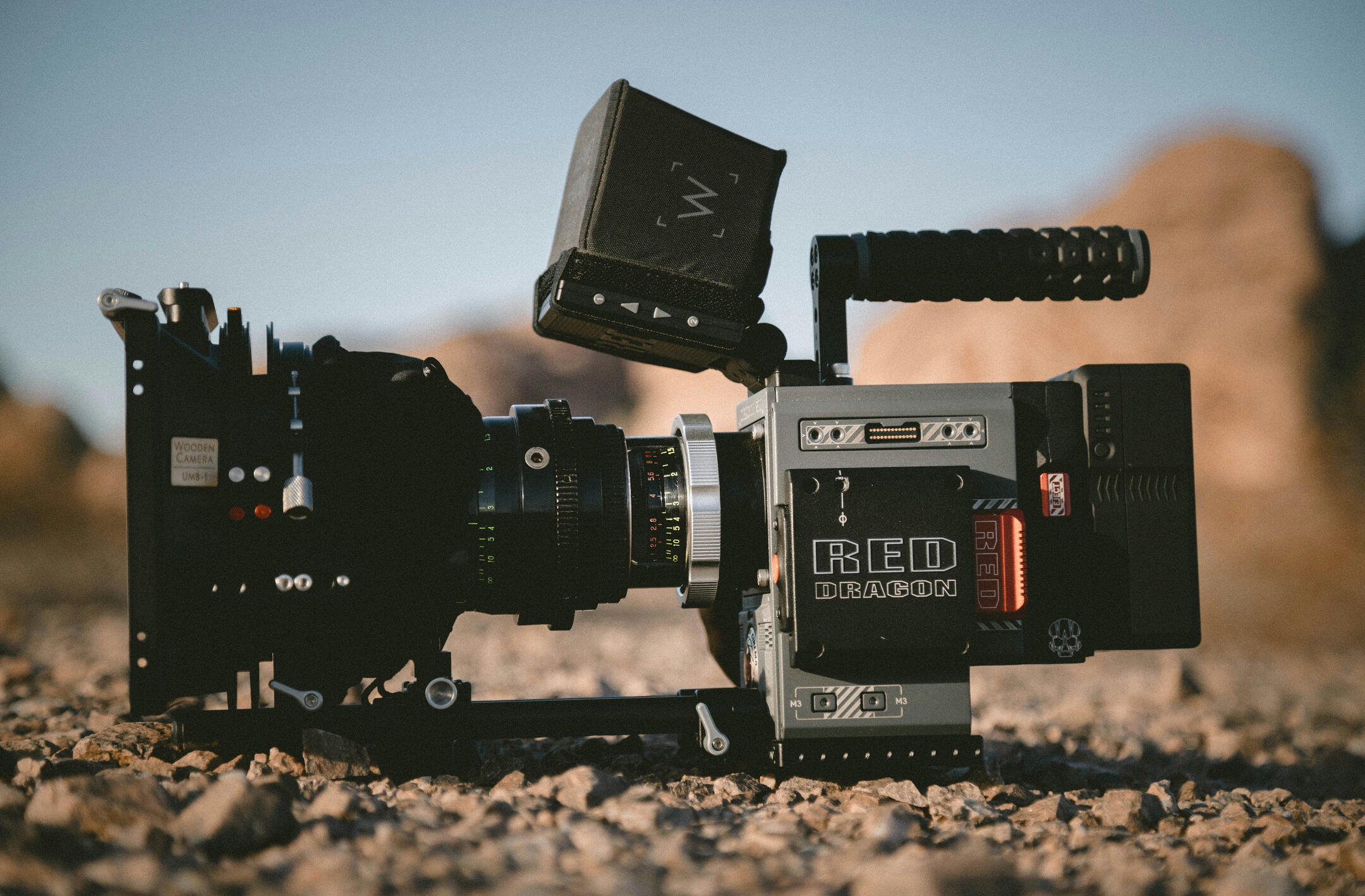
These working stills offer a glimpse into my creative process.
Our Work
My work reflects a blend of technical mastery and collaborative spirit. I'm proficient in utilizing diverse camera systems and lighting techniques to achieve the director's vision. I thrive in collaborative environments, working closely with teams to bring creative projects to life.
Tutorial
You open the template, and scroll down to first Section where there’s an Embed element labelled bg-image1.Copy all the code there, and paste it into an Embed element in your own Carrd site. This Embed element has to be inside the Section that you wish to have a different background image for.Once you paste the code over, find this part of the code:background-image: url(“https://images.unsplash.com/photo-1506744038136-46273834b3fb?ixlib=rb-4.0.3&ixid=MnwxMjA3fDB8MHxwaG90by1wYWdlfHx8fGVufDB8fHx8&auto=format&fit=crop&w=1470&q=80”);Then replace the https link in that code with a direct link to your own image. You can upload your background image in Imgur or ImgBB and get the direct link. A direct link to your image usually ends with a .jpg or .png (for example, on ImgBB it looks like this https://i.ibb.co/NW8WhZP/ai-zen-circle.png)
For Carrd sites where the Background Image plugin somehow doesn't work:
If the background image plugin somehow doesn't work on your Carrd site, then try this solution:Copy and paste this code instead of the original:<style>Then replace the https link in that code with a direct link to your own image. You can upload your background image in Imgur or ImgBB and get the direct link. A direct link to your image usually ends with a .jpg or .png (for example, on ImgBB it looks like this
#bg-image1 {
z-index: -999;
bottom: -20rem;
left: -20rem;
position: fixed;
width: 110vw;
height: 110vh;
background-image: url("https://images.unsplash.com/photo-1506744038136-46273834b3fb?ixlib=rb-4.0.3&ixid=MnwxMjA3fDB8MHxwaG90by1wYWdlfHx8fGVufDB8fHx8&auto=format&fit=crop&w=1470&q=80");
background-position: center;
background-repeat: no-repeat;
background-size: cover;
background-color: #FFFFFF;
padding: 0;
margin: 0;
}
</style>
<div id="bg-image1"></div>https://i.ibb.co/NW8WhZP/ai-zen-circle.png)Adjust the bottom and top values to center your background image properly.Adjust the width and height values accordingly to ensure your background image covers the whole screen.